


Follow this link to attend online sessions when scheduled.
Saturday 20, September - First steps with Python and Jupyter notebooks
Objective of this session is that attendees will :- be able to use Python and Jupyter notebooks on their computers (local installation or online setup),
- be comfortable with the notebook user interface of Jupyter,
- have a good idea of the bases of the Python language,
-
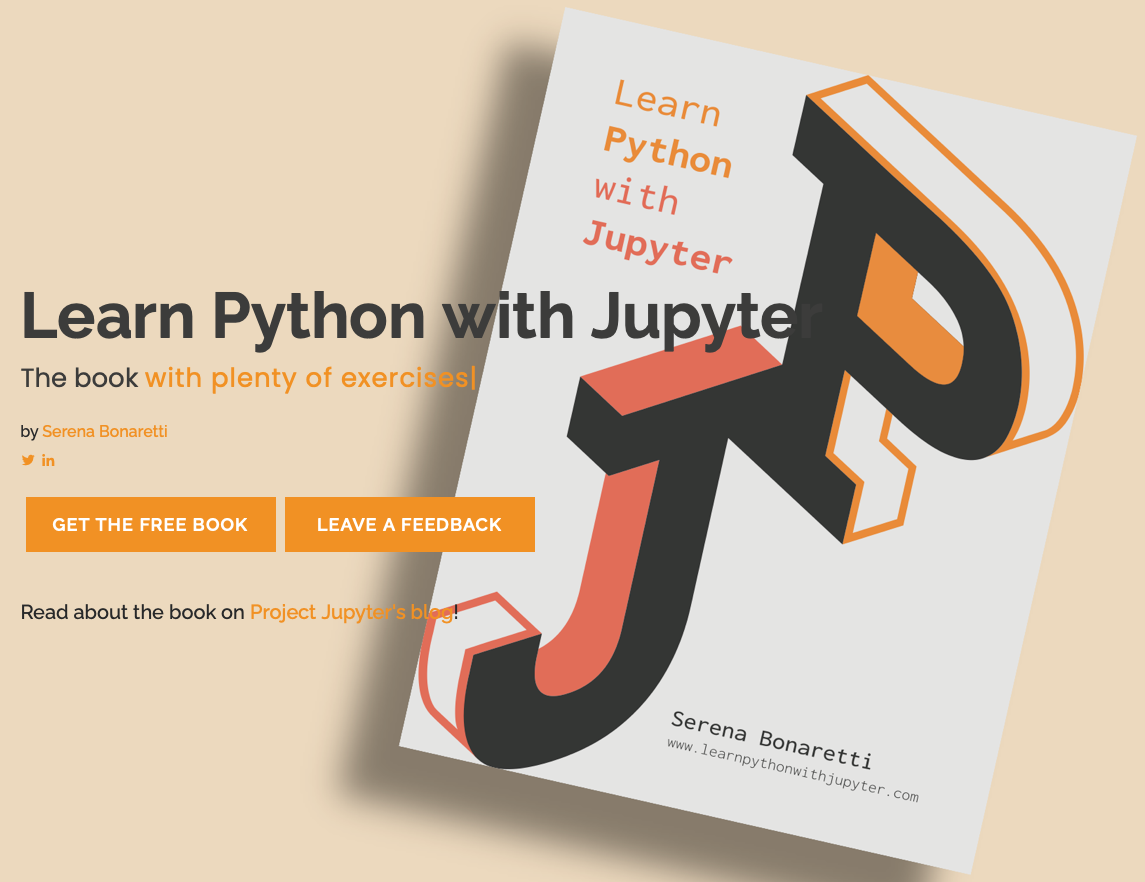
be prepared to read (namely) the introductive book :
Saturday 11, October - First steps with Python and Jupyter notebooks (cont'd)
Prerequisites of this session is that attendees are :- able to use Python and Jupyter notebooks on their computers - they have a working local installation or they now how to access an online setup like Collab or Capytale),
- comfortable with the notebook user interface of Jupyter, and know how to manage files in the local Jupyter server or how to upload a file into an online server.
- be able to basically use the Python language through Jupyter notebooks.
-
be motivated to read or continue reading the introductive book :
Saturday 15, November - Graphics computations using Matplotlib
Prerequisites of this session is that attendees are :- able to basically use the Python language through Jupyter notebooks on their own computer (local or online setup).
- be able to use matplotlib library of Python to define and compute graphics results
- consider developing a jupyter notebook to explore a research project requiring graphics computations.
Saturday 13, December - Simulation and graphics with Python - using Turtle Graphics
Objective of this session is that attendees will :- be able to use turtle graphics library of Python to draw graphics
- consider developing a jupyter notebook to explore a research project requiring graphics computations.
Saturday 17, January 2026 - Randomness
Objective of this session is that attendees will :- understand how computers can mimic randomness
- consider developing a jupyter notebook to explore a research project requiring randomness.
Saturday 14, March - Matrices
Objective of this session is that attendees will :- understand what are matrices as used by computers for numerical computations
- be able to define and compute with matrices in Python, namely with the help of the numpy library
- consider developing a jupyter notebook to explore a research project requiring matrices.
Saturday 21, March - Multi Agent simulation
Objective of this session is that attendees will :- get a good idea of what is multi-agent simulation
- be able to define and compute some animation in Python, namely with the help of the Matplotlib library
- consider developing a jupyter notebook to explore agents behaviours through multi-agent simulation.
